上一篇
如何用JavaScript从数据库中提取图片路径的具体实现步骤是?
JavaScript(JS)读取数据库中的图片路径通常涉及到以下几个步骤:连接数据库、查询数据、获取图片路径、以及将图片路径展示在网页上,以下是一个详细的步骤说明,包括代码示例。
连接数据库
你需要选择一个数据库,比如MySQL、MongoDB或SQLite,这里以MySQL为例,使用Node.js的mysql模块来连接数据库。
查询数据
连接数据库后,你需要查询包含图片路径的数据表,以下是一个查询示例,假设你的数据表名为images,其中包含id和path两个字段。
// 查询数据 const query = 'SELECT id, path FROM images'; connection.query(query, (err, results) => { if (err) throw err; console.log(results); // 处理图片路径 handleImagePaths(results); });
获取图片路径
在查询结果中,你可以获取到每个图片的路径,以下是一个处理图片路径的函数示例。
function handleImagePaths(results) { results.forEach(result => { const imagePath = result.path; console.log('Image Path:', imagePath); // 可以在这里将图片路径展示在网页上 displayImage(imagePath); }); }
展示图片
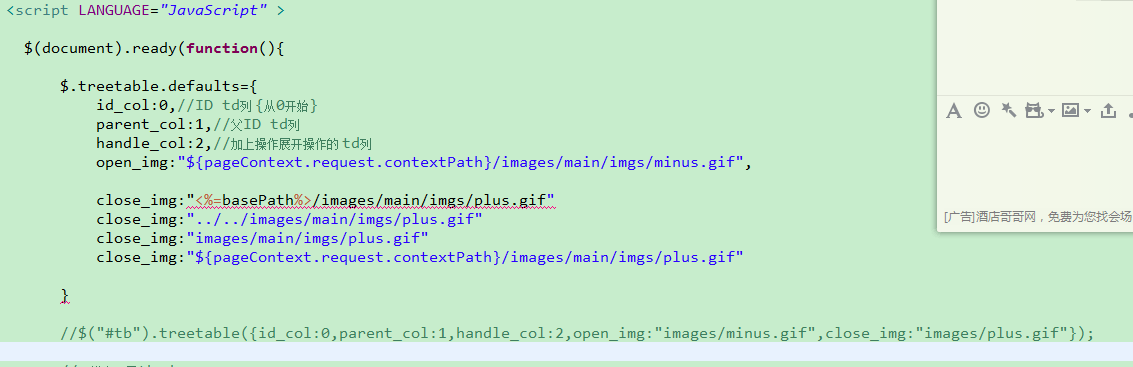
你需要将图片路径展示在网页上,以下是一个使用HTML和JavaScript展示图片的示例。
function displayImage(imagePath) { const img = document.createElement('img'); img.src = imagePath; img.alt = 'Image'; document.body.appendChild(img); }
示例代码整合
以下是将上述步骤整合在一起的示例代码:
const mysql = require('mysql'); // 创建数据库连接 const connection = mysql.createConnection({ host: 'localhost', user: 'yourUsername', password: 'yourPassword', database: 'yourDatabase' }); // 连接数据库 connection.connect(err => { if (err) throw err; console.log('Connected to the database!'); // 查询数据 const query = 'SELECT id, path FROM images'; connection.query(query, (err, results) => { if (err) throw err; console.log(results); // 处理图片路径 handleImagePaths(results); }); }); // 处理图片路径 function handleImagePaths(results) { results.forEach(result => { const imagePath = result.path; console.log('Image Path:', imagePath); // 展示图片 displayImage(imagePath); }); } // 展示图片 function displayImage(imagePath) { const img = document.createElement('img'); img.src = imagePath; img.alt = 'Image'; document.body.appendChild(img); }
FAQs
Q1:如何处理数据库连接失败的情况?

A1: 在连接数据库时,如果发生错误,可以通过捕获异常来处理。
connection.connect(err => { if (err) { console.error('Error connecting to the database:', err); // 这里可以添加错误处理逻辑,比如重试连接或显示错误信息 } else { console.log('Connected to the database!'); } });
Q2:如何优化查询性能?
A2: 为了优化查询性能,你可以考虑以下方法:
- 索引: 在数据库中为经常查询的字段创建索引,比如images表中的id字段。
- 分页: 如果数据量很大,可以使用分页查询来减少一次性加载的数据量。
- 缓存: 对于不经常变化的数据,可以使用缓存来提高查询速度。