
上一篇
Linux服务器时间同步设置,如何确保精确同步时间避免时差问题?
Linux服务器设置时间同步是确保服务器时间准确性的重要步骤,正确的时间同步对于系统日志、时间戳以及与其他系统的交互都至关重要,以下是在Linux服务器上设置时间同步的详细步骤。
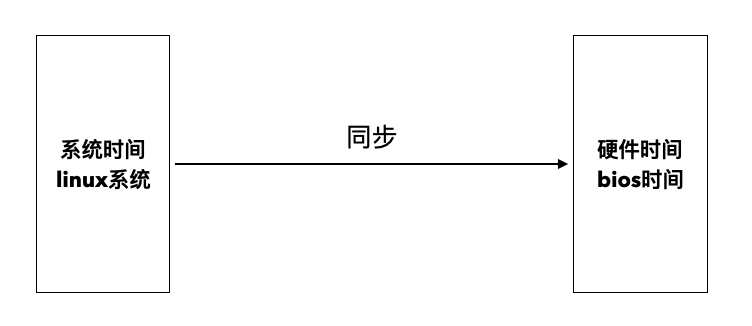
Linux服务器时间同步步骤
| 步骤 | 描述 |
|---|---|
| 检查当前时间同步服务 | 使用timedatectl命令检查当前的时间同步服务状态。 |
| 安装NTP服务 | 如果没有安装NTP服务,可以使用以下命令安装:sudo aptget install ntp(对于基于Debian的系统)或sudo yum install ntp(对于基于RHEL的系统)。 |
| 编辑NTP配置文件 | 使用文本编辑器打开NTP配置文件,对于基于Debian的系统,配置文件通常是/etc/ntp.conf;对于基于RHEL的系统,配置文件通常是/etc/ntp.conf。 |
| 添加NTP服务器地址 | 在配置文件中添加NTP服务器地址。server ntp.ubuntu.com。 |
| 保存并关闭配置文件 | 保存并关闭配置文件。 |
| 重启NTP服务 | 使用以下命令重启NTP服务:sudo systemctl restart ntp。 |
| 验证时间同步 | 使用date命令查看当前时间,并确保时间与NTP服务器同步。 |
示例配置
以下是一个基于Debian系统的NTP配置文件示例:
# /etc/ntp.conf # driftfile /var/lib/ntp/ntp.drift # Leap second support Leap 0 0.0 0.0 0.0 # Server configuration server ntp.ubuntu.com server time.nist.gov server pool.ntp.org # Broadcast client broadcastclient # Restrictions restrict 4 default kod notrap nomodify nopeer noquery restrict 6 default kod notrap nomodify nopeer noquery # Statistics statistics loopstats peerstats clockstats filegen loopstats file loopstats type day enable filegen peerstats file peerstats type day enable filegen clockstats file clockstats type day enable
FAQs
Q1:为什么我的服务器时间仍然不准确?

A1: 如果服务器时间仍然不准确,请检查以下方面:

- 确保NTP服务正在运行。
- 检查NTP配置文件中的服务器地址是否正确。
- 使用timedatectl命令检查时间同步状态。
- 如果问题仍然存在,尝试更换NTP服务器地址。
Q2:如何查看服务器的时间同步状态?
A2: 使用以下命令查看服务器的时间同步状态:
sudo timedatectl
该命令将显示当前的时间、日期、时间同步状态以及NTP服务器信息。








