上一篇
Ubuntu怎样才能开启SSH?
很多小伙伴提出ubuntu18.04默认安装不带ssh,需要安装,安装后怎样才能开启SSH?今天就为大家解答一下:
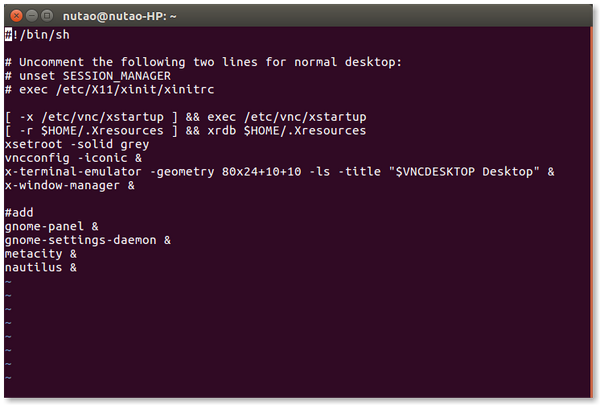
ubuntu18.04默认安装不带ssh,需要安装,安装如下:
apt-get install openssh-serve
开启ssh
systemctl start sshd systemctl enable sshd
查看
lsof -i:22 root@hdy - magic-box:~# lsof -i :22 COMMAND PID USER FD TYPE DEVICE SIZE/0FF NODE NAME sshd 1428 root 3u IPv4 28500 0t0 TCP *:ssh (LISTEN ) sshd 1428 root 4u IPv6 28502 0t0 TCP *:ssh (LISTEN ) sshd 4261 root 3u IPv4 42019 0t0 TCP hdy - magic-box:ssh->10.10.10.119:37171 (ESTABL ISHED) sshd 4325 hdy 3u IPv4 42019 0t0 TCP hdy - magic-box:ssh->10.10.10.119:37171 (ESTABL ISHED) sshd 4790 root 3u IPv4 42506 0t0 TCP hdy - magic-box:ssh->10.10.10.119:55179 (ESTABL ISHED) sshd 4854 hdy 3u IPv4 42506 0t0 TCP hdy - magic-box:ssh->10.10.10.119:55179 (ESTABL ISHED) root@hdy- magic-box:~#
以上是关于“Ubuntu怎样才能开启SSH?”工具出现报错时的解决方法”的介绍,如需购买云虚拟主机,推荐西西云,共享虚拟主机、免费测试主机、独享IP虚拟主机齐备,各类配置均有,满足不同网站建设需求;价格实惠;最低9元/月,提供免费备案,让您快速上线网站。
选购地址:https://www.kufanyun.com/host/buy.html