上一篇
使用云服务器如何在网页上运行python
很多小伙伴想知道如何在网页上运行python,下面给大家介绍一下:
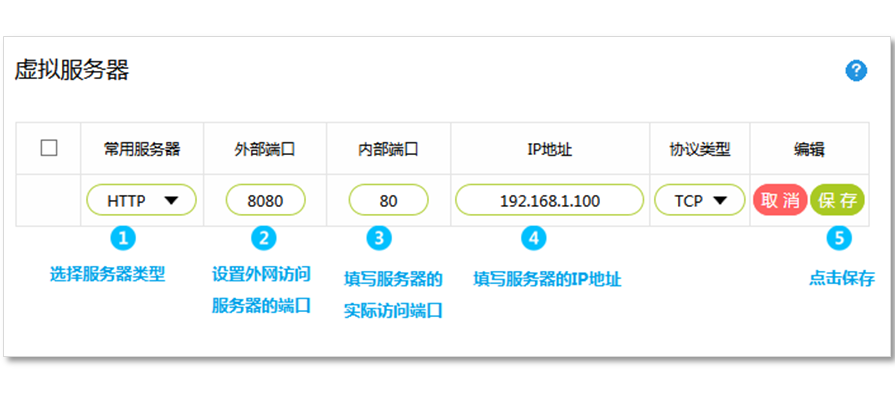
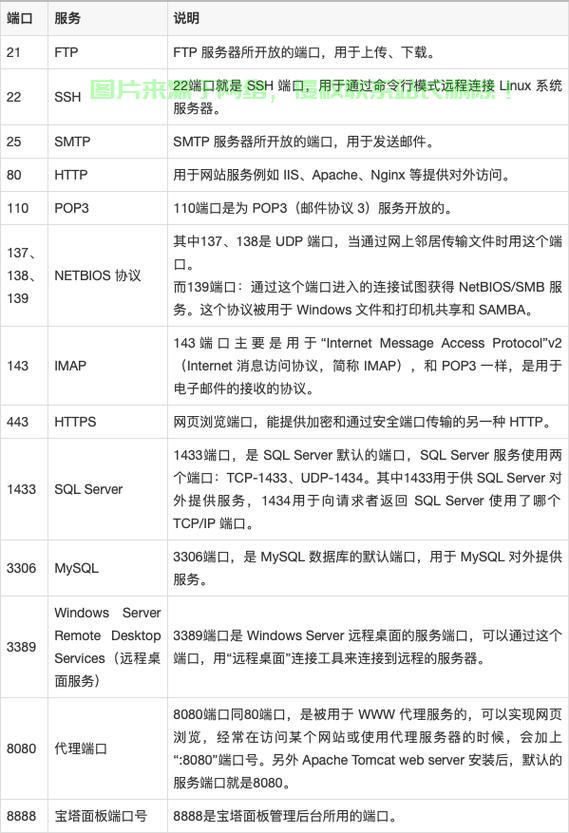
需要打开端口而端口是在网页端开放的,命令行防火墙是默认关闭。所以,需要在网页端管理网络端口,需要打开8888,这些都是程序默认端口,否则无法成功
安装bioconda
#1下载bioconda wget https://continuum.io/miniconda/Miniconda3-latest-Linux- 64sh #2安装 S H miniconda3-latest-linux-x8664.sh source ~/.bashrc #3添加软件源 CONDA config -- add channel CONDA CONFIG -- add channels Conda-forge #安装mamba conda install -y mamba
安装 jupyterlab
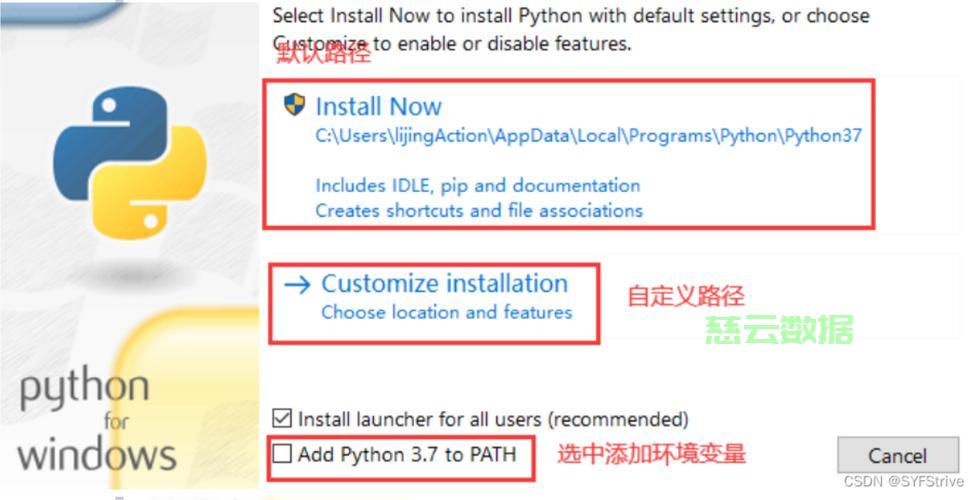
设置密码
jupyter notebook password
生成配置文件
修改配置文件
VIM/ROOT/.Jupyter / jupyter notebook configuration.py c.ServerApp.port = 8888 C. serverappt.Allow remote access = true c.ServerApp.ip=‘*‘ c.ServerApp.open_browser = False
启动 jupyterlab
Nohup jupyter laboratory – root > jupyter is allowed.log 2>&1 &
浏览器登录
使用浏览器进行登录了,输入IP地址为:8888,输入密码即可登录,这样就可以在网页使用python。
以上是关于“使用云服务器如何在网页上运行python ”的介绍,如需购买云服务器,推荐使用西西云,独享IP,弹性灵活各种配置任您选配,最低只需要43/月,免费帮助配置环境,挂载磁盘等,协助处理简单问题,同时提供快速0元备案,让您快速运营,详情请咨询西西云。
产品选购地址:
https://www.kufanyun.com/server/buy.html