
上一篇
在HTML中为文字两侧添加线条,可通过CSS实现:使用伪元素
::before和
::after创建横线,结合
display: inline-block和定位控制间距,或利用
flex布局将文字与线条容器对齐。
在HTML中为文字两侧添加装饰线(如标题分隔线)主要通过CSS实现,以下是5种专业方法,兼顾兼容性与视觉效果:
方法1:伪元素 + Flex布局(推荐)
<style>
.decorated-text {
  display: flex;
  align-items: center;
  gap: 15px; /* 文字与线的间距 */
}
.decorated-text::before,
.decorated-text::after {
  content: "";
  flex: 1;  /* 自动填充剩余空间 */
  height: 1px;
  background: linear-gradient(90deg, transparent, #333, transparent); /* 渐变线 */
}
</style>
<div class="decorated-text">标题文字</div>
效果:
优点:响应式、可自定义渐变,现代浏览器首选方案。
方法2:背景渐变法
.text-with-lines {
  text-align: center;
  background: linear-gradient(to right, transparent, #000 20%, #000 80%, transparent) center / 100% 1px no-repeat;
  padding: 10px 0;
}
<div class="text-with-lines">居中标题</div>
适用场景:纯色线条,需精确控制线条长度比例。
方法3:传统表格布局
<div style="display: table; width: 100%;">
  <div style="display: table-cell; vertical-align: middle;">
    <hr style="border-top: 1px dashed #ccc;">
  </div>
  <div style="display: table-cell; white-space: nowrap; padding: 0 10px; text-align: center;">文字
  </div>
  <div style="display: table-cell; vertical-align: middle;">
    <hr style="border-top: 1px dashed #ccc;">
  </div>
</div>
优点:兼容IE8+,适合虚线等特殊样式。
方法4:Grid布局
.grid-text {
  display: grid;
  grid-template-columns: 1fr auto 1fr;
  align-items: center;
  gap: 20px;
}
.grid-text::before,
.grid-text::after {
  content: "";
  border-top: 1px solid #e74c3c;
}
<div class="grid-text">响应式标题</div>
特点:代码简洁,适合复杂布局场景。
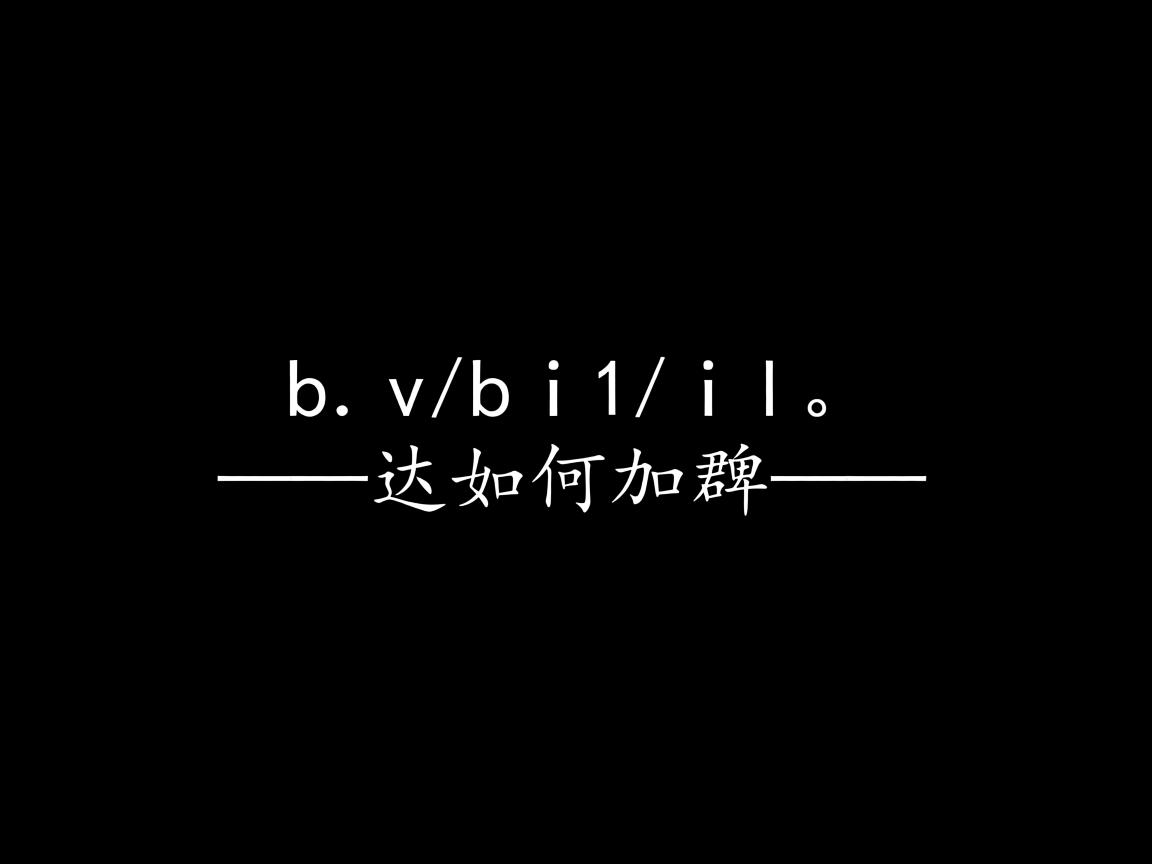
方法5:纯文本符号(应急方案)
<span style="color: #999;">――――</span>
<span style="padding: 0 10px;">简易标题</span>
<span style="color: #999;">――――</span>
适用场景:无CSS环境(如邮件模板),兼容性100%。
关键注意事项
- 响应式适配:方法1/4自动适应容器宽度,方法2需用
@media调整背景比例 - SEO友好:确保文字使用语义化标签(如
<h2>而非<div>) - 可访问性:为装饰线添加
aria-hidden="true"避免读屏器识别 - 性能优化:避免过度使用渐变(尤其移动端)
浏览器兼容方案
/* 兼容旧版浏览器 */
.decorated-text {
  display: -webkit-box; /* 旧版Android */
  display: -ms-flexbox; /* IE10 */
}
.decorated-text::before {
  -ms-flex-preferred-size: auto; /* IE10特殊处理 */
}
引用说明:CSS技术细节参考MDN Web Docs的伪元素指南和W3C的Flexbox规范,渐变实现依据CSS Images Module Level 4标准。
最终推荐:优先选择方法1(Flex+伪元素),平衡代码简洁性、视觉效果与兼容性,若需IE支持,可搭配方法3作为降级方案,实际效果可访问Codepen示例调试。